Welcome to a tool to help you generate useful reports from Online Scout Manager
Due to technical issues OSMR is no longer available
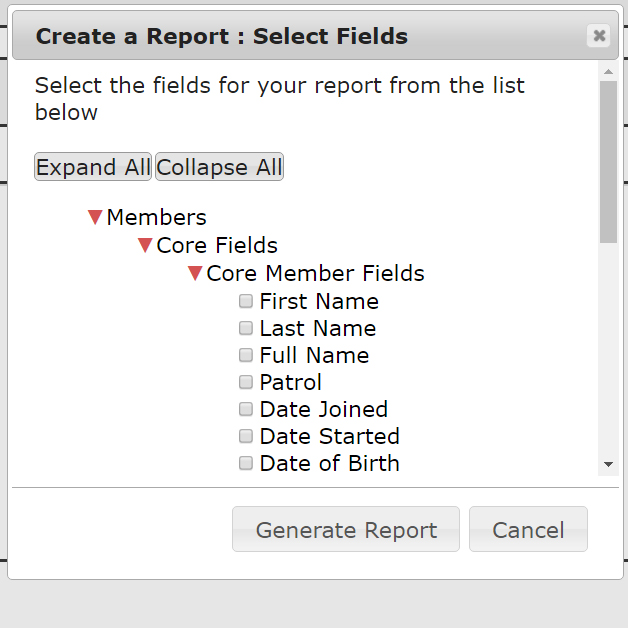
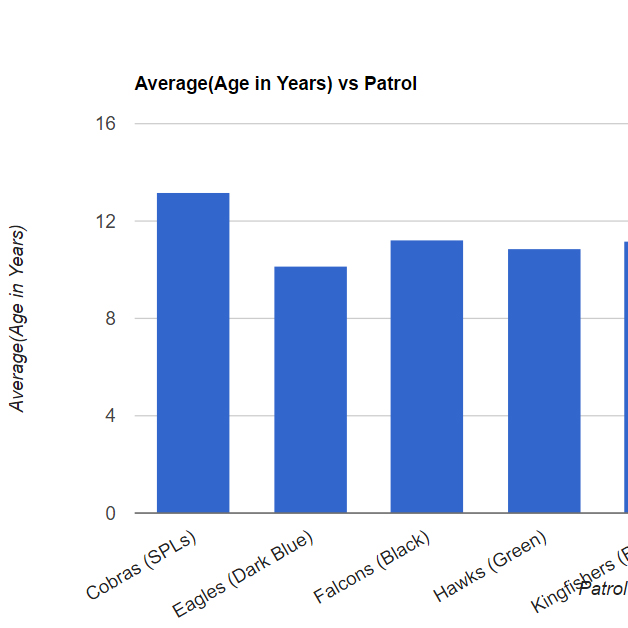
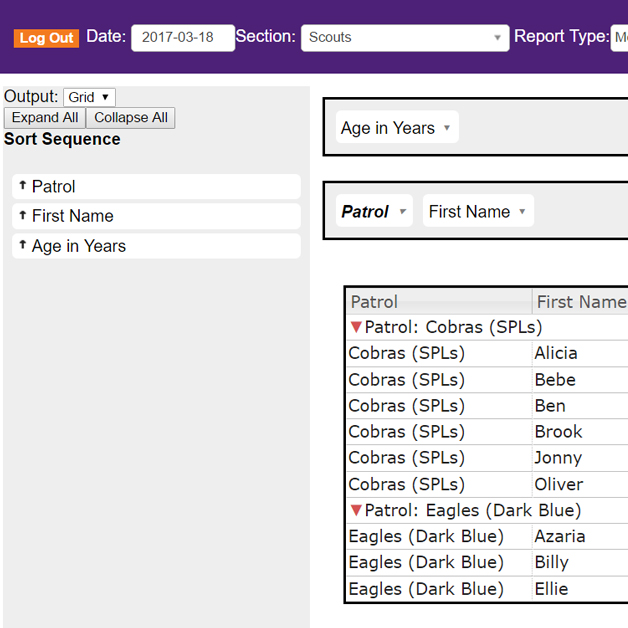
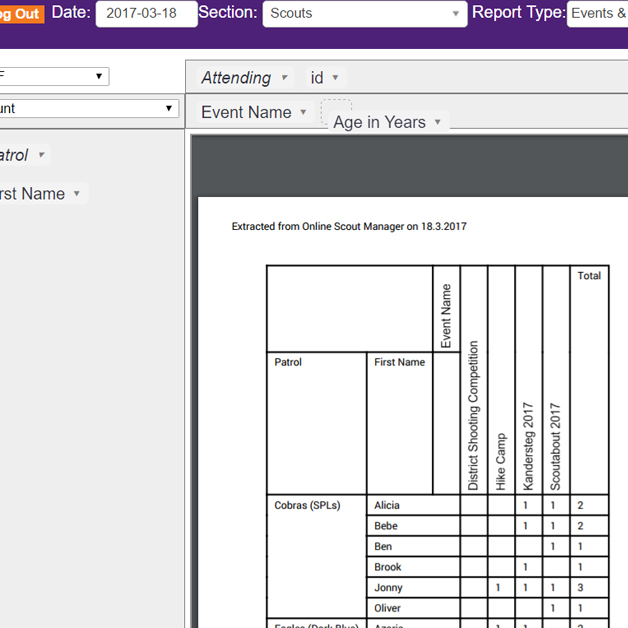
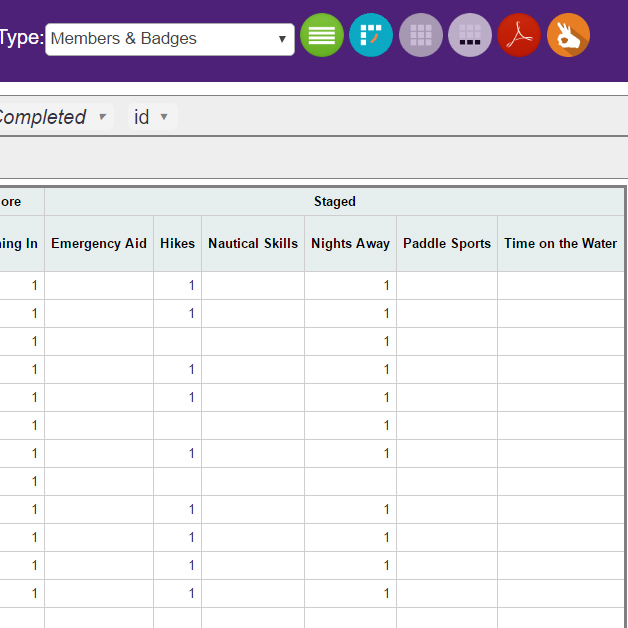
OSMR allows you to generate reports, pivot tables, charts and graphs of your Online Scout Manager data allowing you to access the data you have in OSM in a lot of new ways.
You can combine data from any of the sections you have access to allowing you to generate group lists, attendees for Group event as well as producing lots of reports about specific sections. You can generate PDFs, print your reports or just see them on screen.
Using a simple drag and drop interface you are in control of your data. We don't store any of your report data and all report generation is done on your PC, tablet or phone.
 | Log in using your OSM ID |  | Select which Sections you want to include |  | Choose the type of data you want to use |  | Press the Run Report button to start! |
It really is that simple. Once you've selected your fields you can switch between grid and pivot views adjusting which fields are displayed by draging and dropping them into the report.You can filter and group your information from the field selection boxes. Very soon you'll be able to save your report formats for future use.
Find more detailed instructions about how to use OSMR and how to donate to my Scout Group, 2nd New Haw, here.
Contact us via FB on the OSM helping Group or via the form on the page above, our old forum is https://osmr.freeforums.net/